
In today’s digital age, the need for efficient and reliable storage solutions has never been greater. With the rise of big data and the increasing demand for anytime, anywhere access to files, cloud storage has become the go-to choice for individuals and businesses alike. But how exactly does cloud storage work, and which service should you be using? In this article, we’ll break down the basics of cloud storage and explore some of the top options available on the market today.
What is Cloud Storage?
Cloud storage is a service that allows you to store and access your files and data over the internet, rather than locally on your computer or external hard drive. This means that you can access your files from any device with an internet connection, making it a convenient and flexible storage solution.
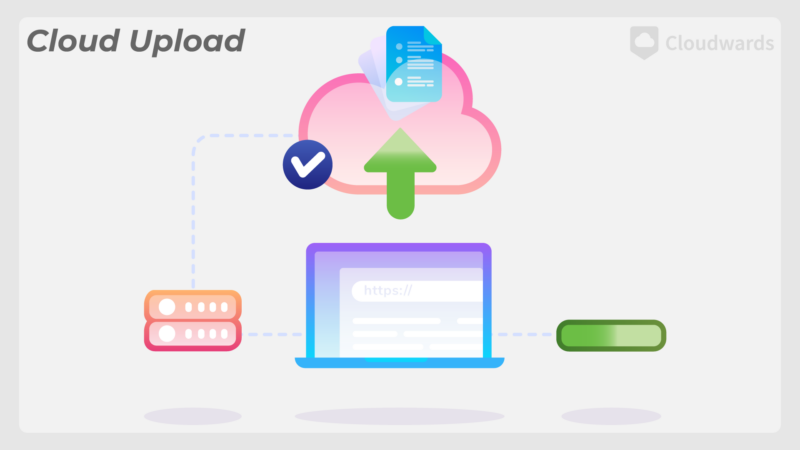
At its core, cloud storage works by storing your files on remote servers maintained by a cloud storage provider. These servers are typically housed in data centers around the world, ensuring redundancy and reliability. When you upload a file to the cloud, it is broken down into smaller chunks and encrypted for security before being stored on these servers.
Types of Cloud Storage
There are several types of cloud storage services available, each offering different features and pricing structures. The most common types of cloud storage include:
Public Cloud Storage: Public cloud storage services are provided by third-party vendors, who offer storage space on a pay-as-you-go basis. Examples of public cloud storage providers include Amazon Web Services (AWS), Google Cloud Storage, and Microsoft Azure.
Private Cloud Storage: Private cloud storage services are dedicated to a single organization and are typically managed on-premises or by a third-party provider. Private cloud storage offers greater control and security but comes with higher costs.
Hybrid Cloud Storage: Hybrid cloud storage combines elements of both public and private cloud storage, allowing organizations to store sensitive data on-premises while leveraging the scalability of public cloud storage for less critical data.
Choosing the Right Cloud Storage Provider
With so many cloud storage providers to choose from, it can be overwhelming to decide which one is right for you. To help you make an informed decision, here are a few factors to consider:
Storage Capacity: Depending on your needs, you’ll want to choose a provider that offers enough storage space to accommodate all of your files and data.
Security and Encryption: Look for a cloud storage provider that offers robust security features, such as encryption at rest and in transit, to protect your data from unauthorized access.
Accessibility and Collaboration: Consider whether the cloud storage service offers features such as file sharing, collaboration tools, and mobile access to ensure that you can work efficiently across devices.
Pricing and Scalability: Compare the pricing structures of different cloud storage providers to find one that fits your budget, and consider how easily you can scale your storage capacity as your needs grow.
Top Cloud Storage Providers
While there are dozens of cloud storage providers on the market, here are a few of the top options to consider:
1. Google Drive
Google Drive is a popular cloud storage service offered by Google, known for its seamless integration with Google Workspace (formerly G Suite) and generous free storage options. With Google Drive, you can store and access files, collaborate in real-time, and sync your files across devices.
2. Dropbox
Dropbox is another well-known cloud storage provider that offers a user-friendly interface, easy file sharing, and robust security features. Dropbox is ideal for individuals and small businesses looking for a reliable and intuitive storage solution.
3. Microsoft OneDrive
Microsoft OneDrive is a cloud storage service that integrates seamlessly with Microsoft Office applications, making it a great choice for users who rely on Microsoft products. With OneDrive, you can store files, back up photos, and collaborate on documents from anywhere.
Conclusion
In conclusion, cloud storage is a versatile and convenient solution for storing and accessing your files and data from anywhere. By understanding how cloud storage works and considering factors such as security, accessibility, and pricing, you can choose the right cloud storage provider to meet your needs. Whether you opt for Google Drive, Dropbox, Microsoft OneDrive, or another cloud storage service, you can rest assured that your files are safe and accessible whenever you need them.